Upload Your Photos
Take photos of your antiques and upload them. One photo per item, or multiples for more detail. That's all you need to start.
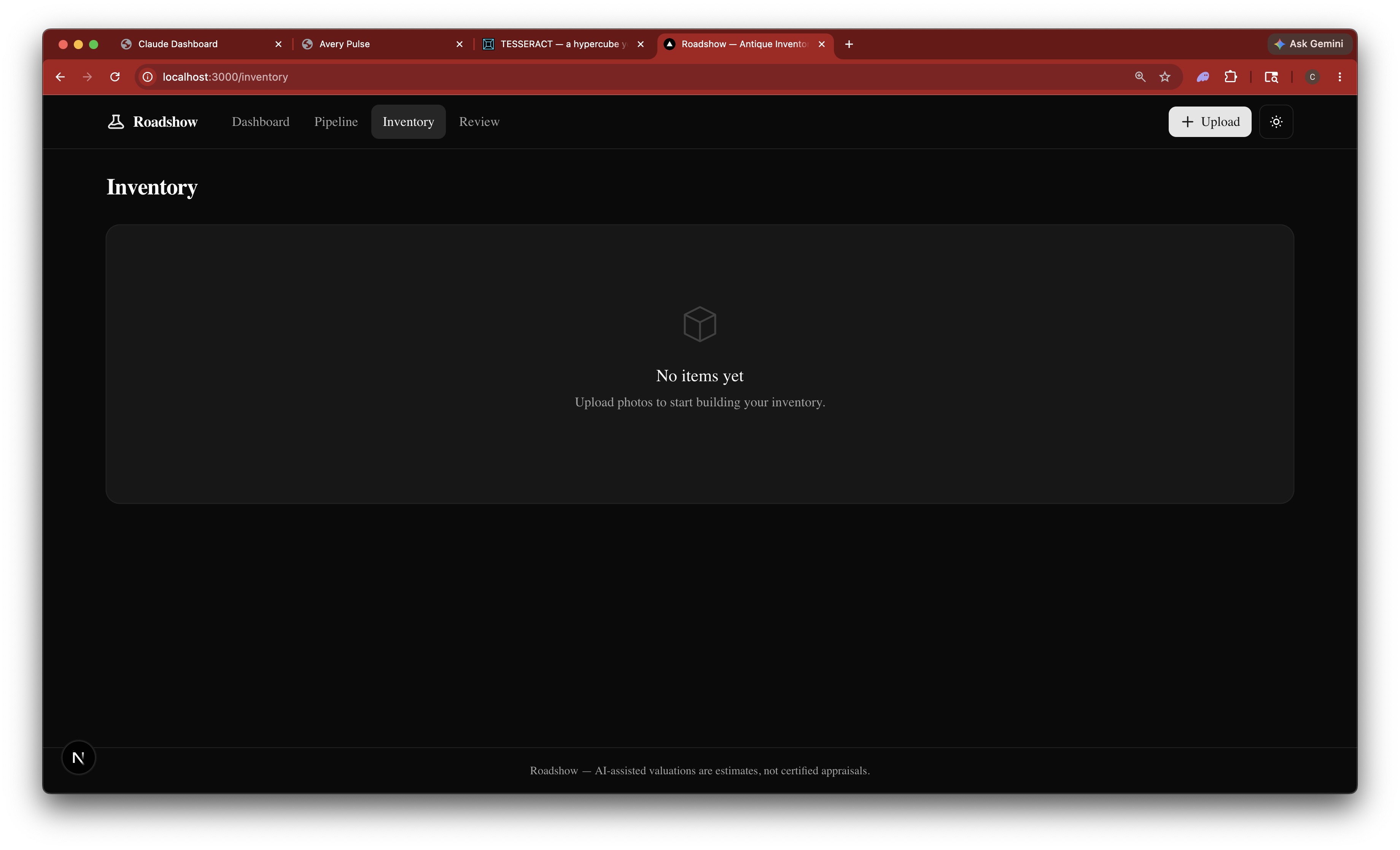
You start with an empty inventory. Click Upload to add your first items.
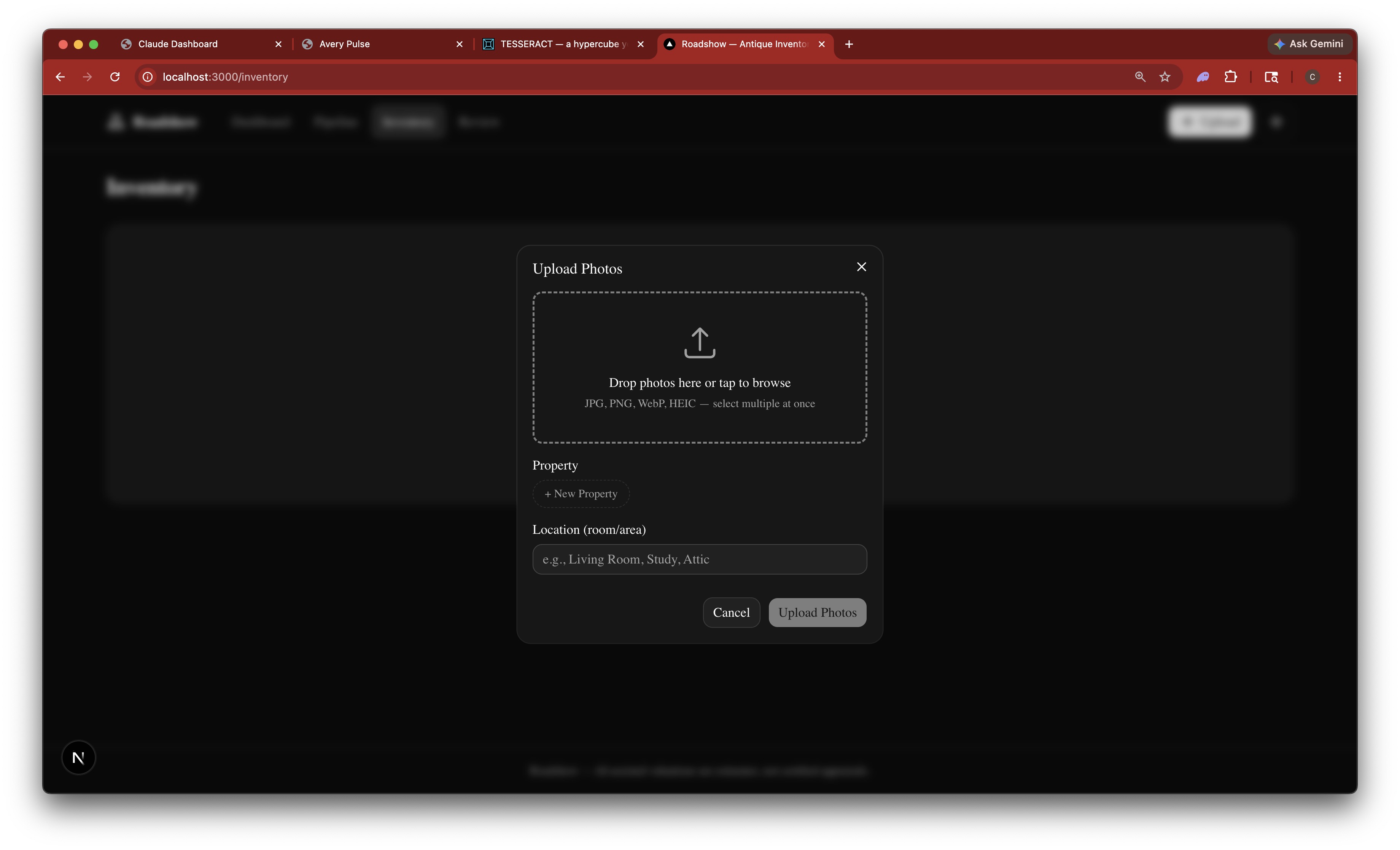
Drop your photos in or browse to select them. Pick a property and room if you want to organize by location. Supports JPG, PNG, WebP, and HEIC.
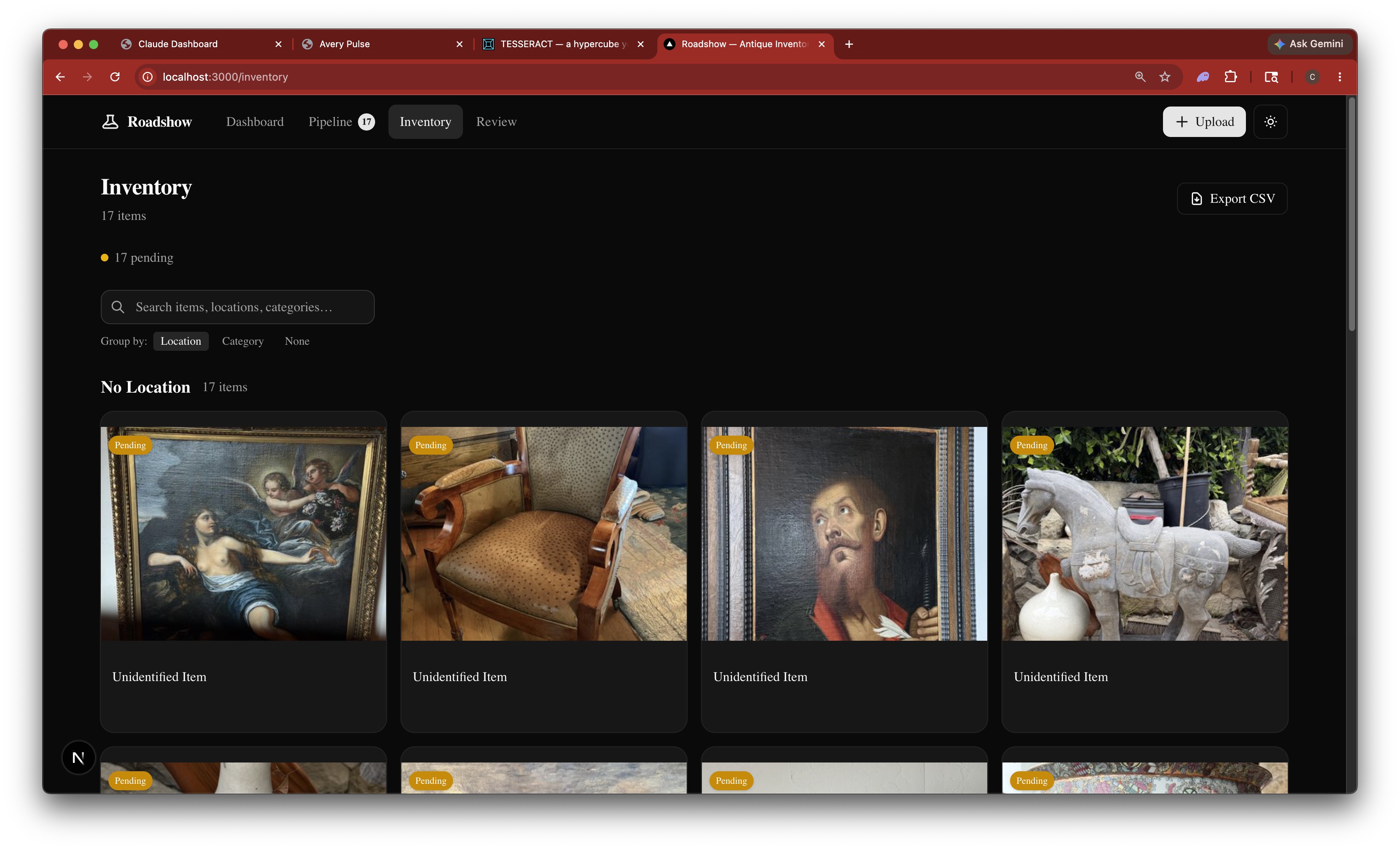
17 photos uploaded in one batch. Every item shows as "Unidentified Item" — that's about to change.
AI Identifies Everything
Claude Code looks at each photo and identifies what it is — the era, style, materials, likely maker, and an initial value estimate.
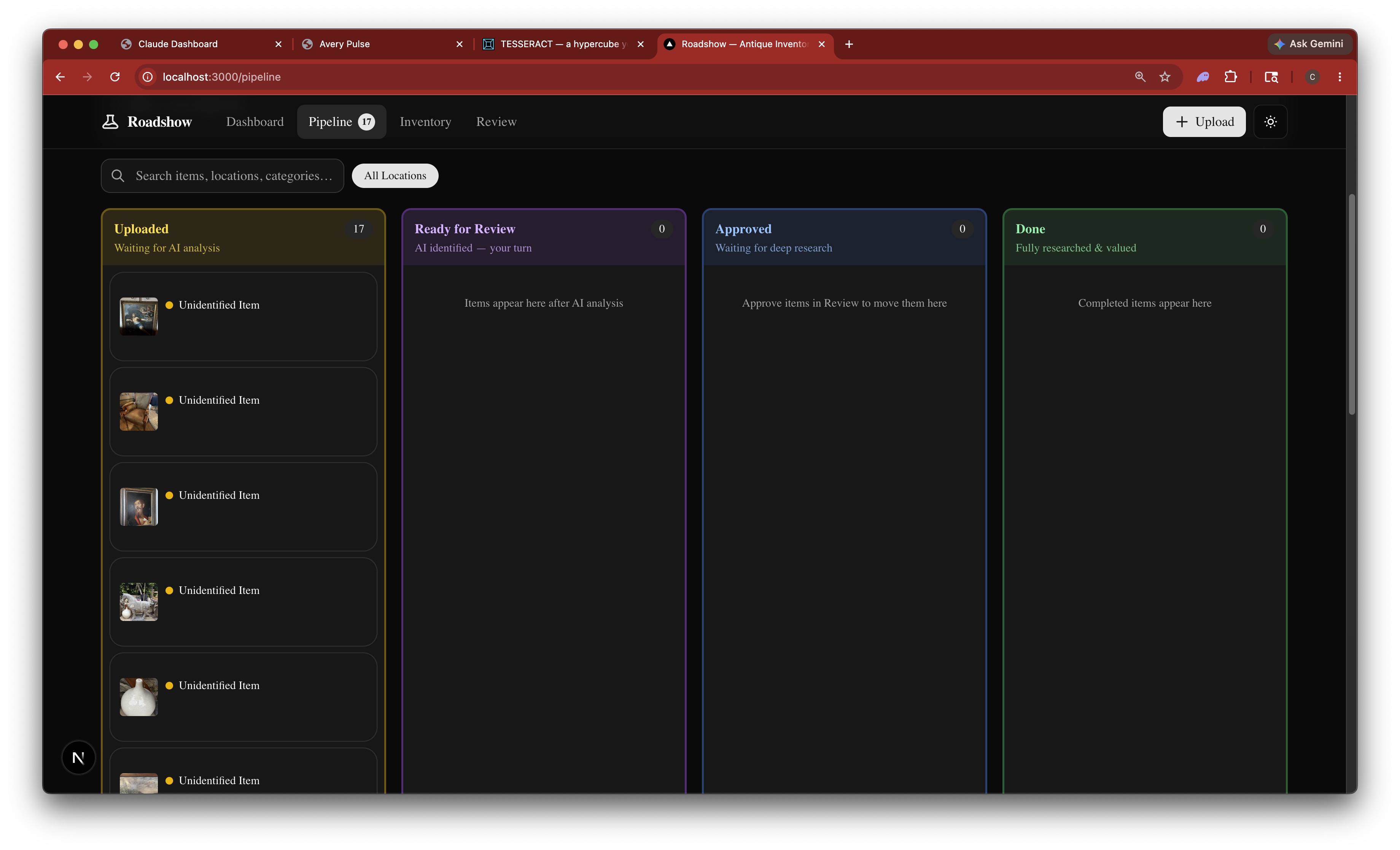
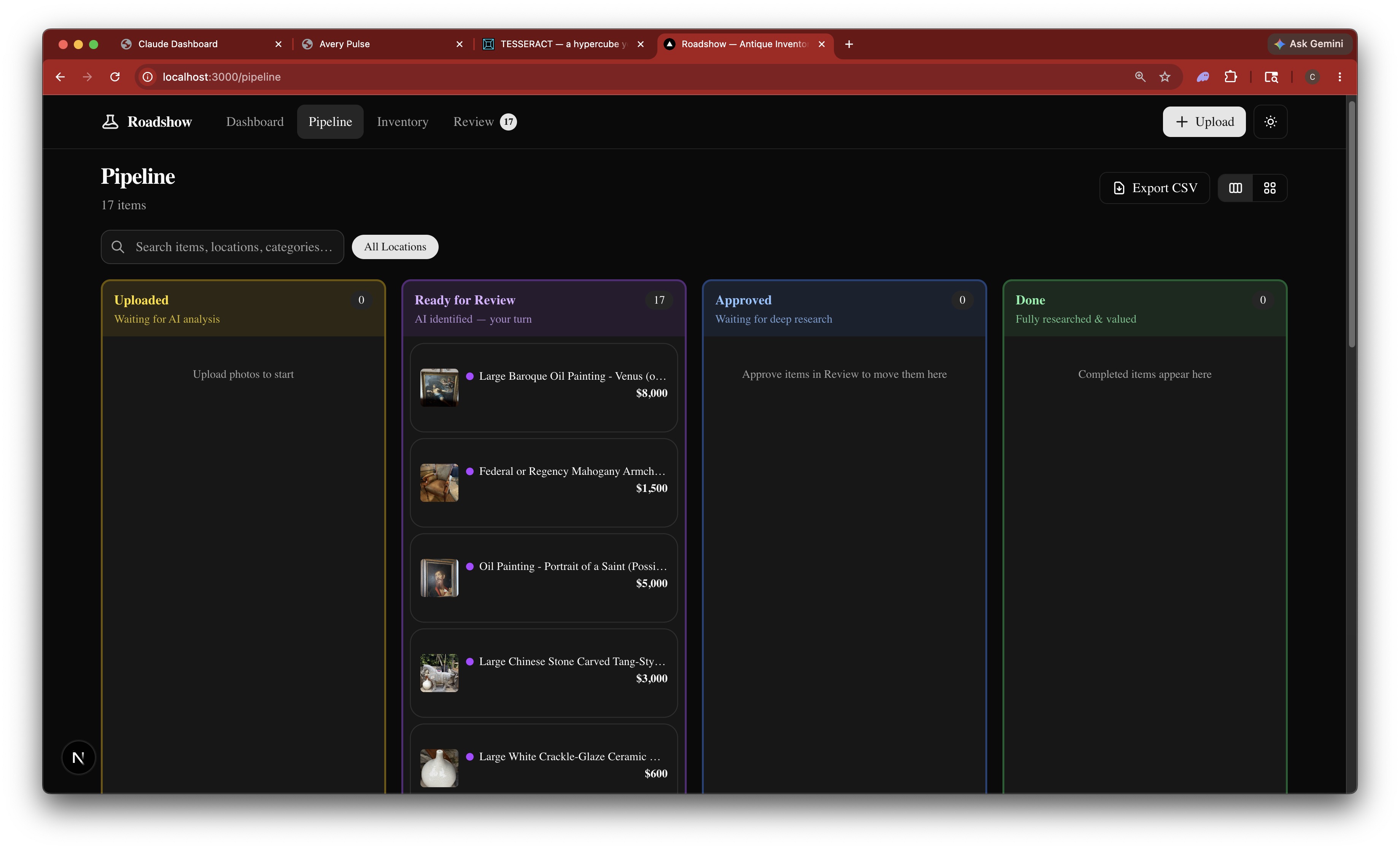
The pipeline board shows all 17 items waiting in the Uploaded column, ready for AI analysis.
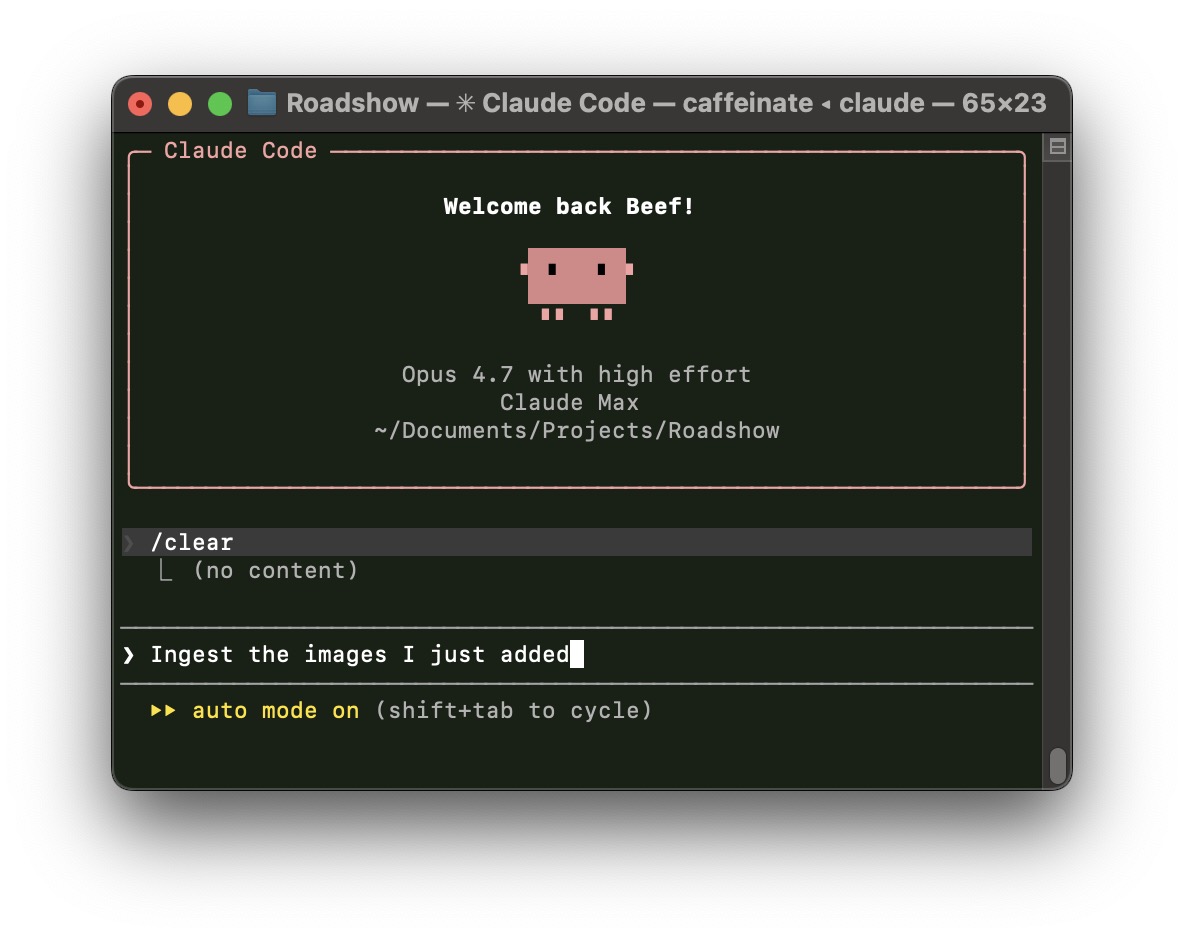
In the terminal, you tell Claude to ingest the new images. One command kicks off the entire identification pass.
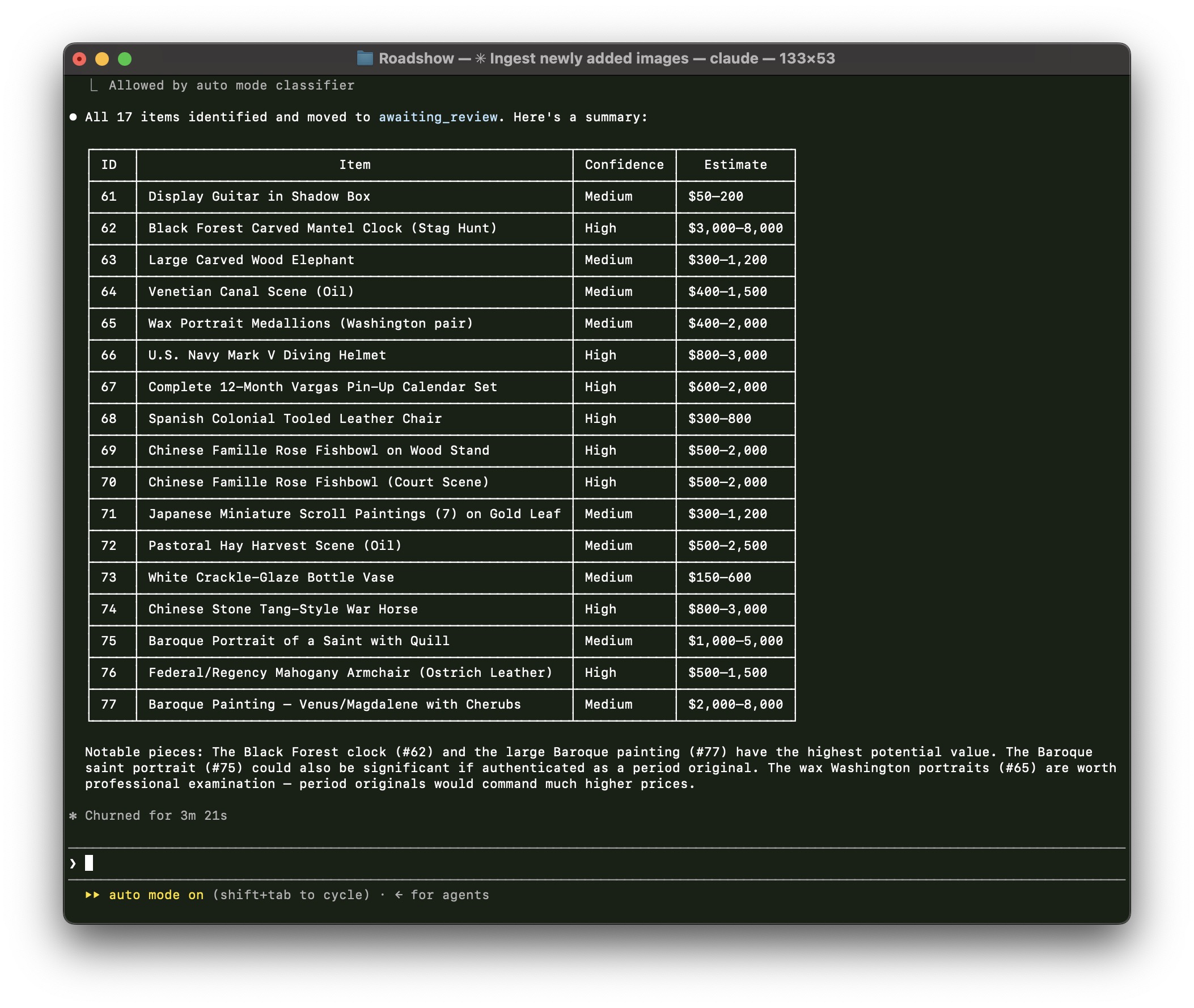
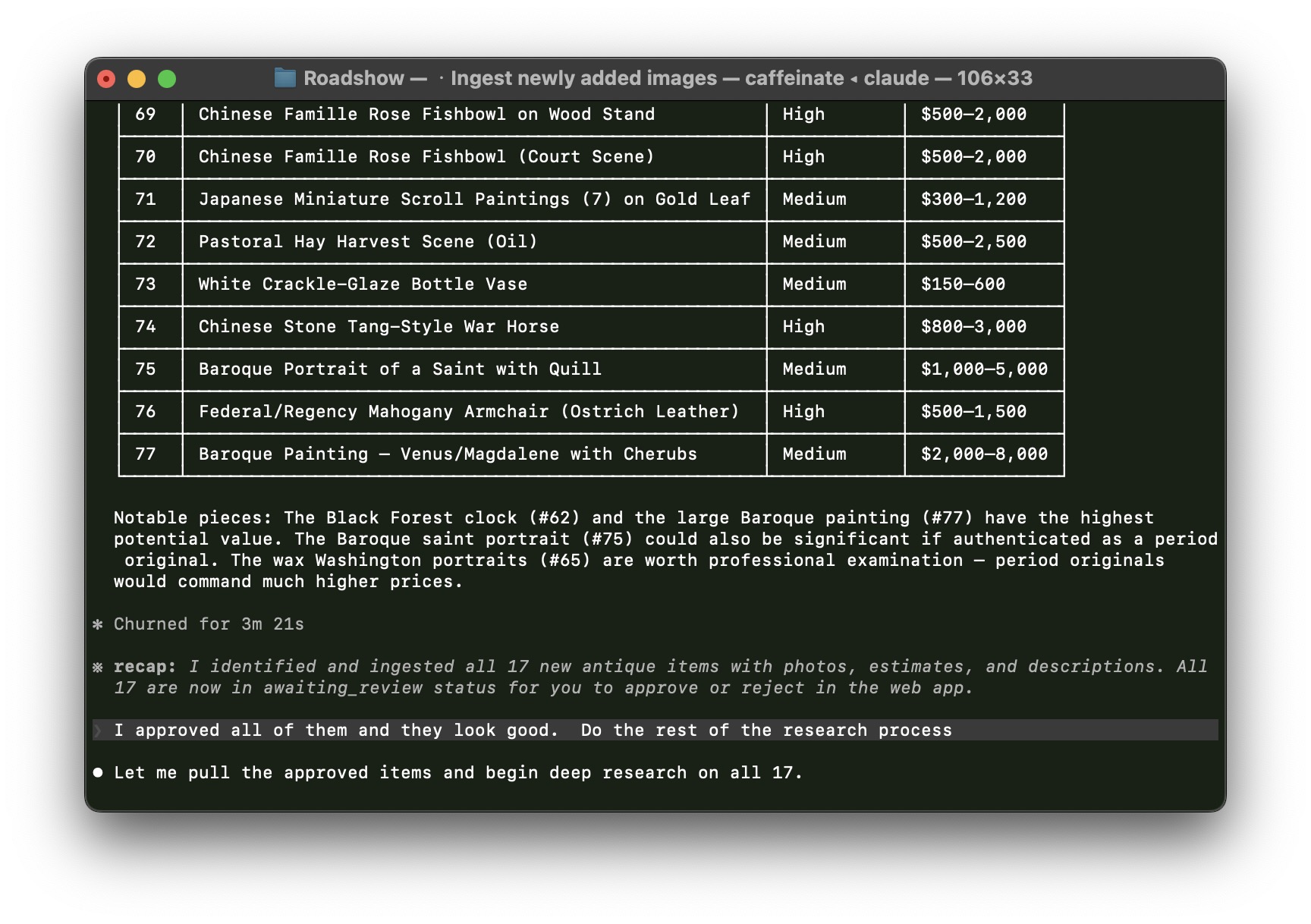
A few minutes later, Claude has identified all 17 items with names, confidence levels, and value estimates. The Black Forest clock and Baroque painting are flagged as the most notable pieces.
Back in the web app, every item has moved to Ready for Review with a name and price estimate.
You Review and Approve
AI does the heavy lifting, but you stay in control. Review each identification, approve what looks right, flag anything that needs a second look.
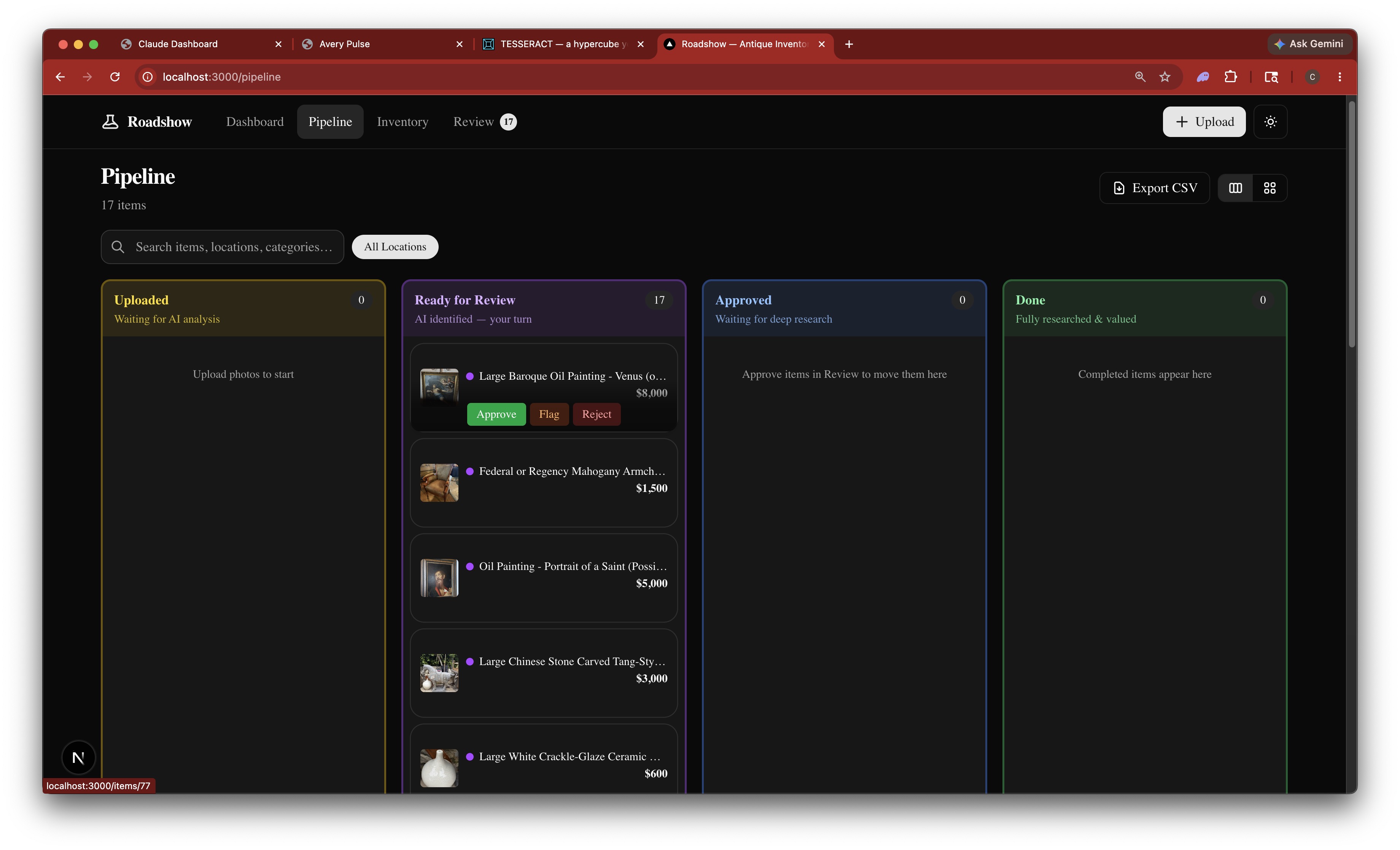
Hover over any item to see Approve, Flag, or Reject buttons right on the card — no extra clicks needed.
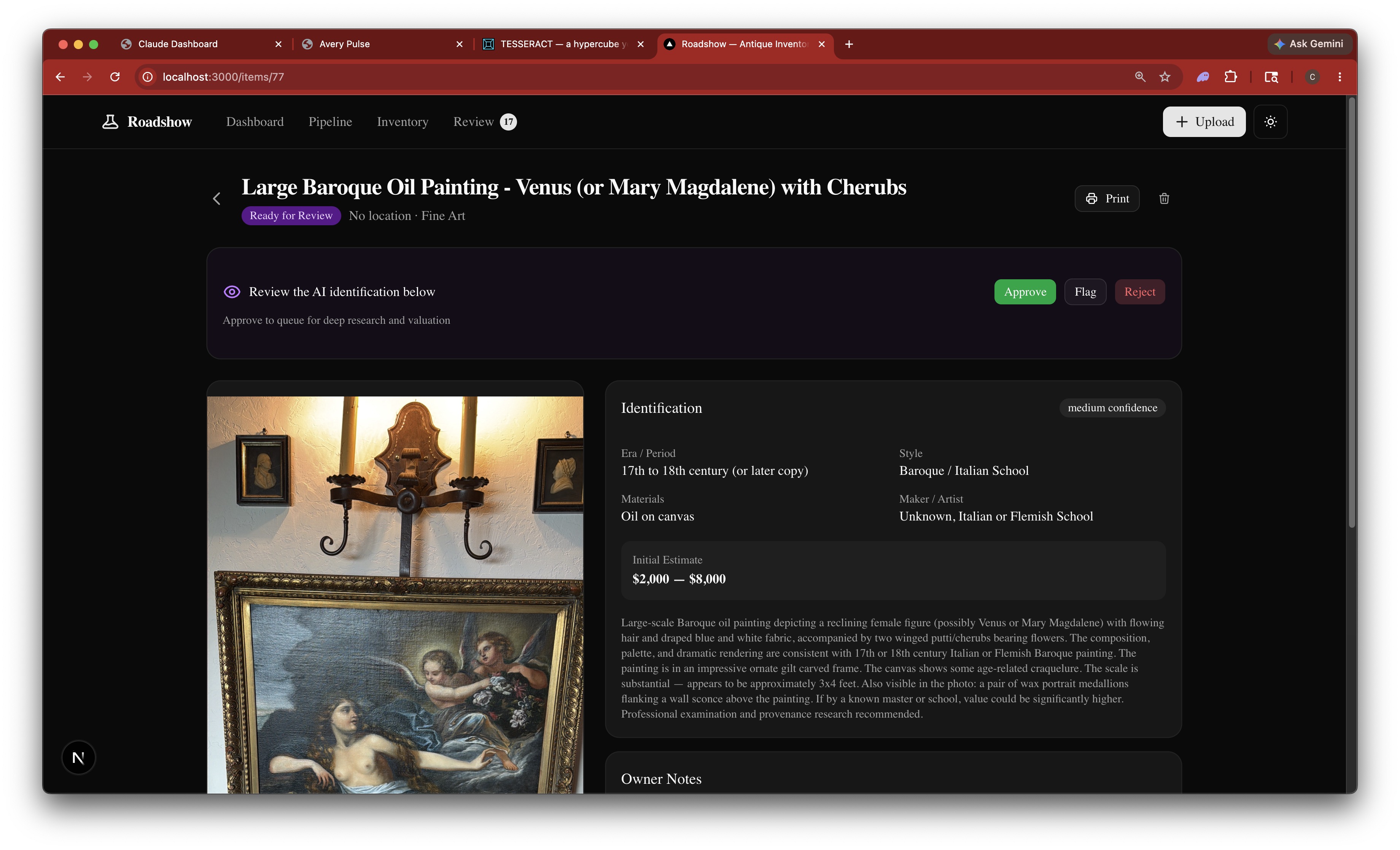
Click into any item for the full identification. This Baroque oil painting was identified as 17th–18th century, oil on canvas, estimated at $2,000–$8,000.
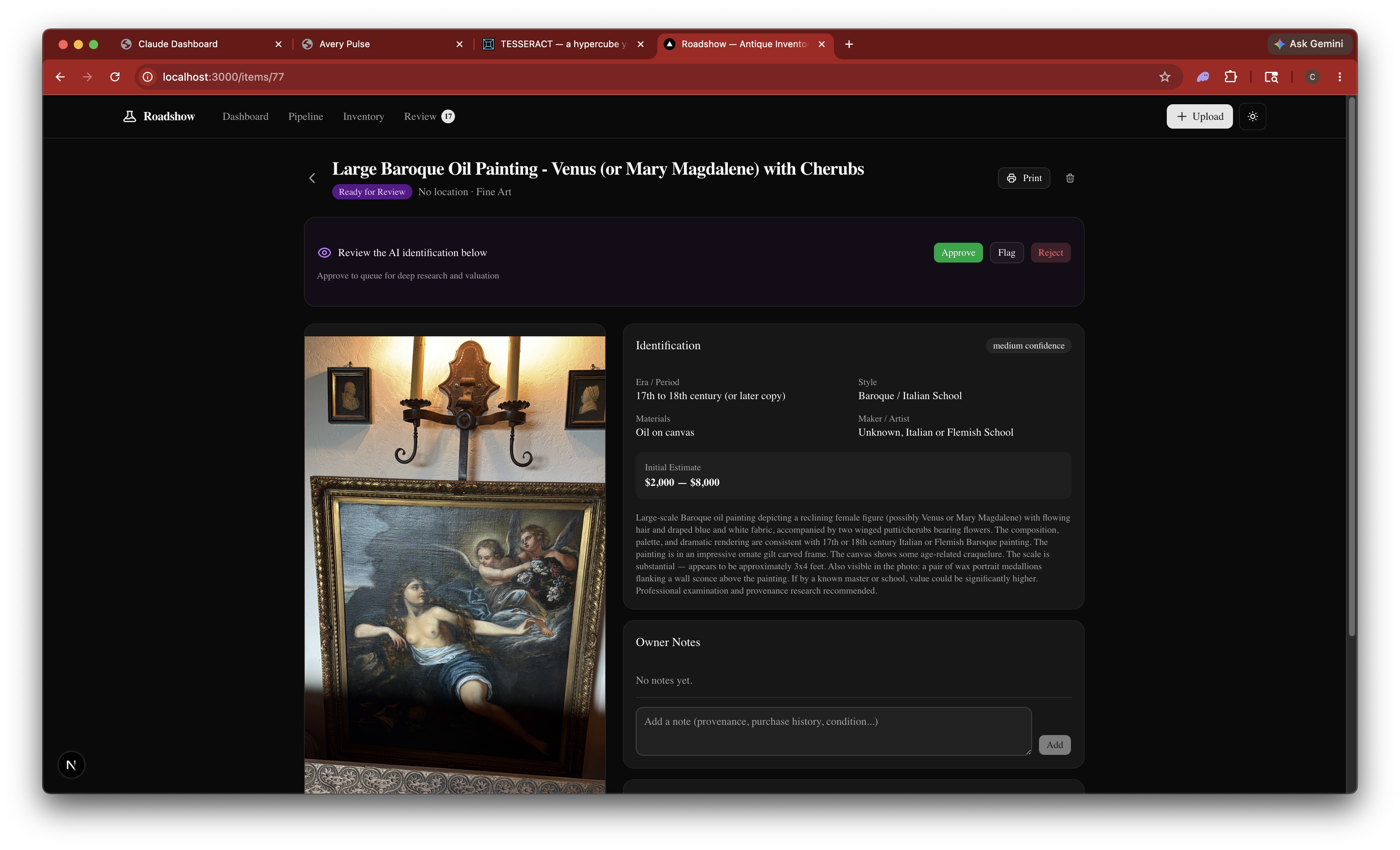
Scroll down to add your own notes — provenance, purchase history, condition details. These get factored into the deep research later.
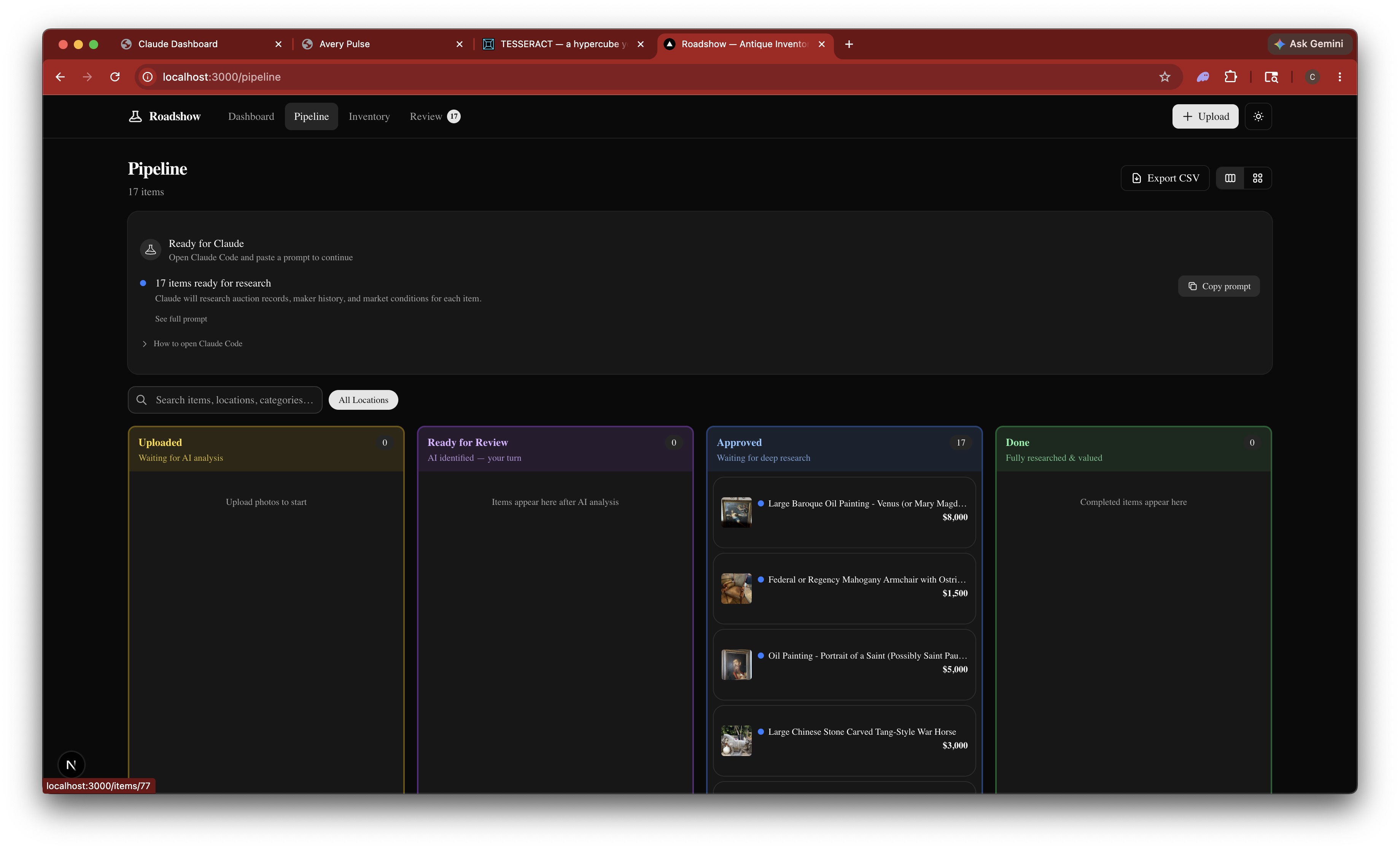
All 17 items approved and moved to the Approved column. Ready for deep research.
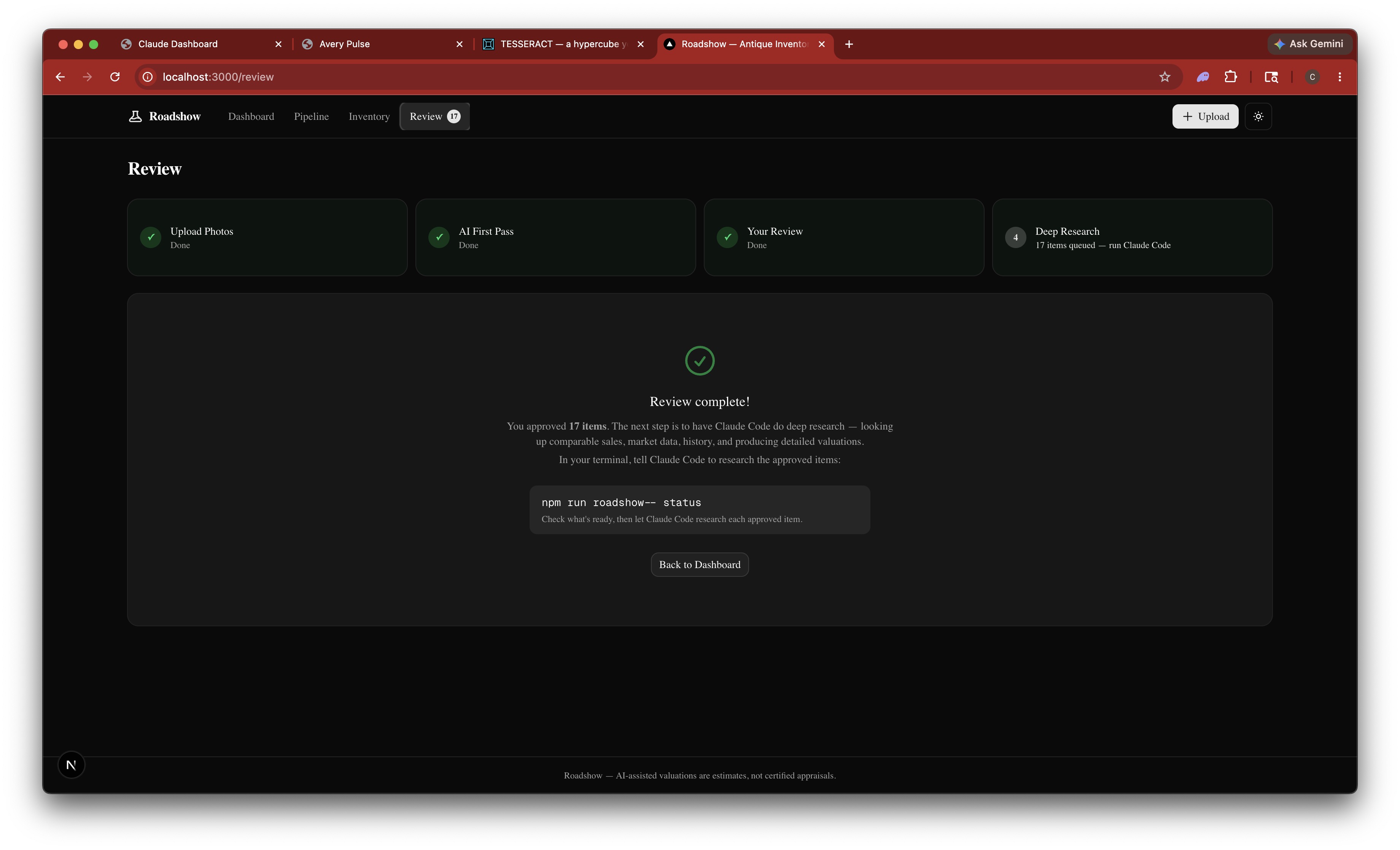
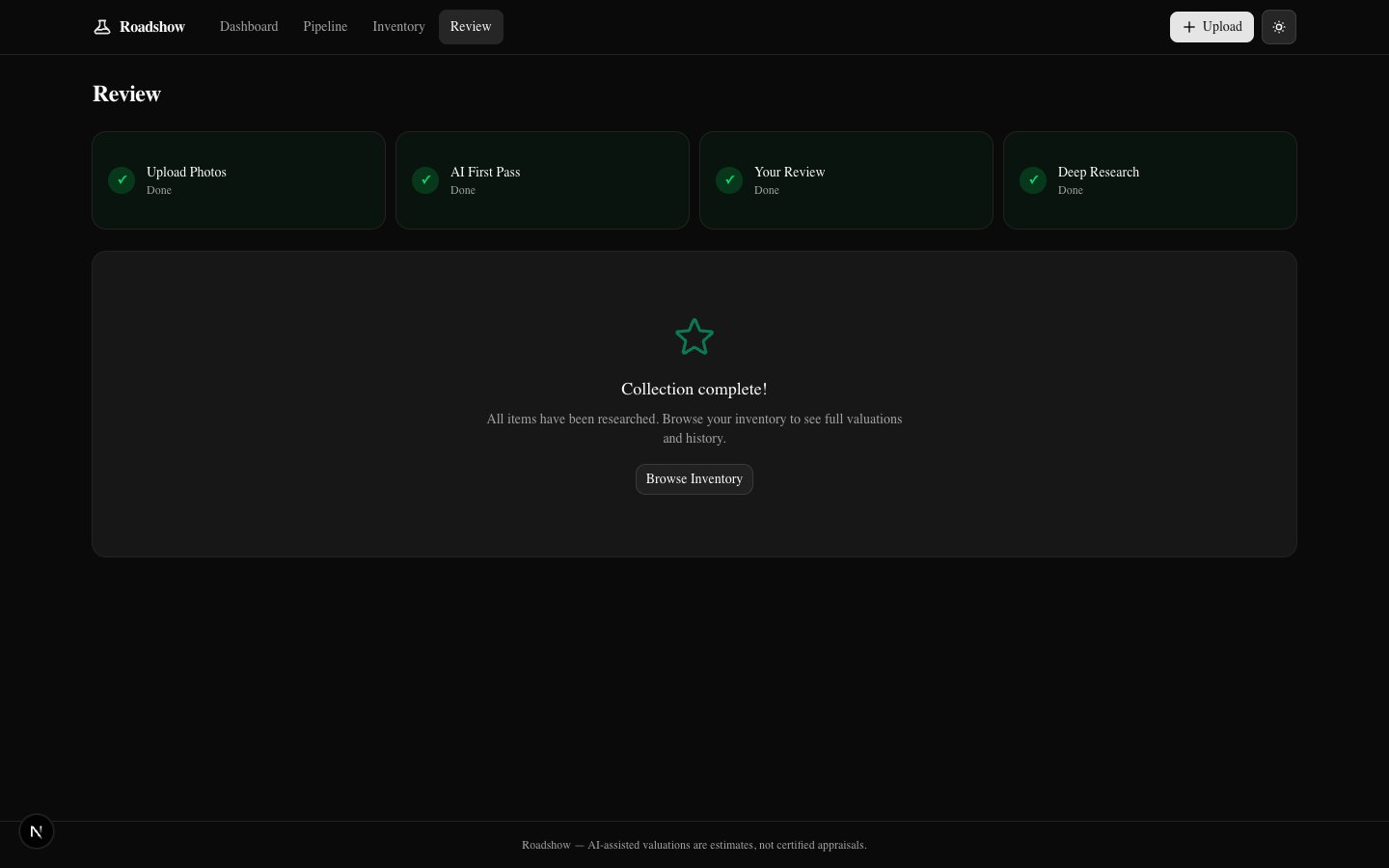
The Review page confirms your progress: upload, AI identification, and your review are all done. Deep research is next.
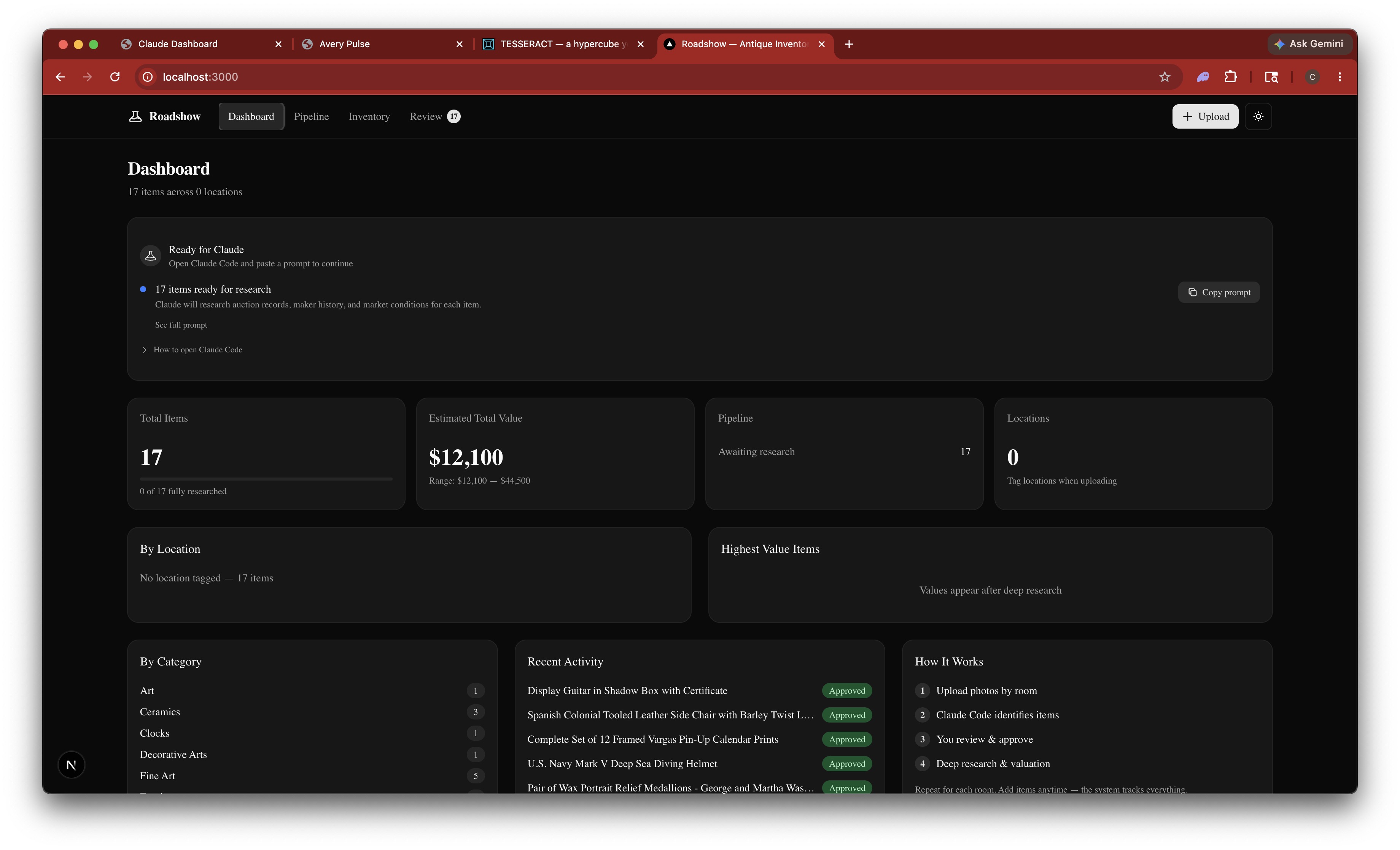
The dashboard gives you a live overview — total items, initial estimates, categories, and recent activity. The "How It Works" panel shows where you are in the process.
Deep Research
Claude researches each approved item — pulling auction records, maker history, comparable sales, and market conditions to produce a full valuation.
Back in the terminal, you tell Claude to research the approved items. It pulls each one and begins deep analysis.
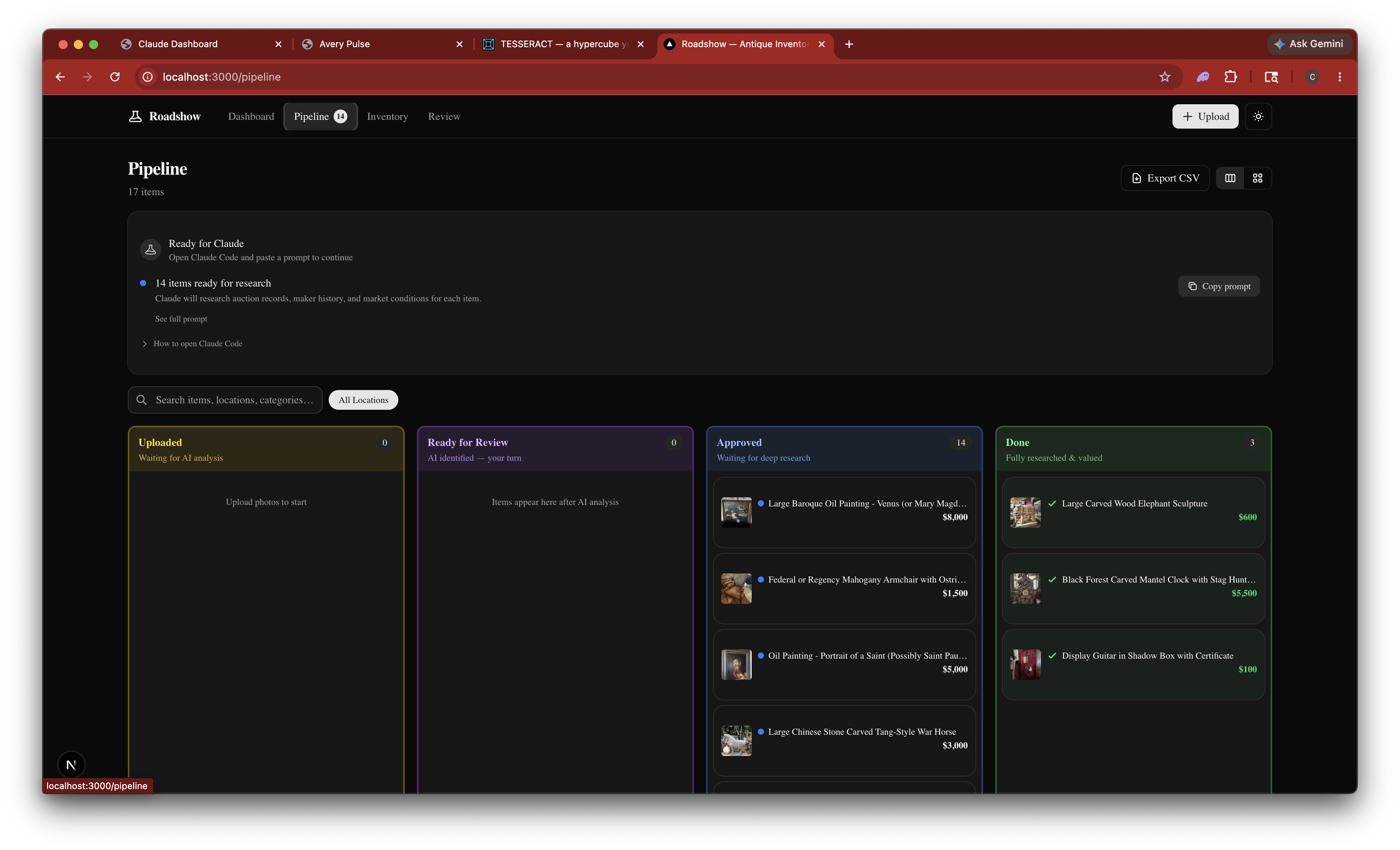
Research happens in the background. Items move from Approved to Done as each one finishes.
The Results
Every item now has a full valuation with comparable sales, history, market context, and actionable recommendations.
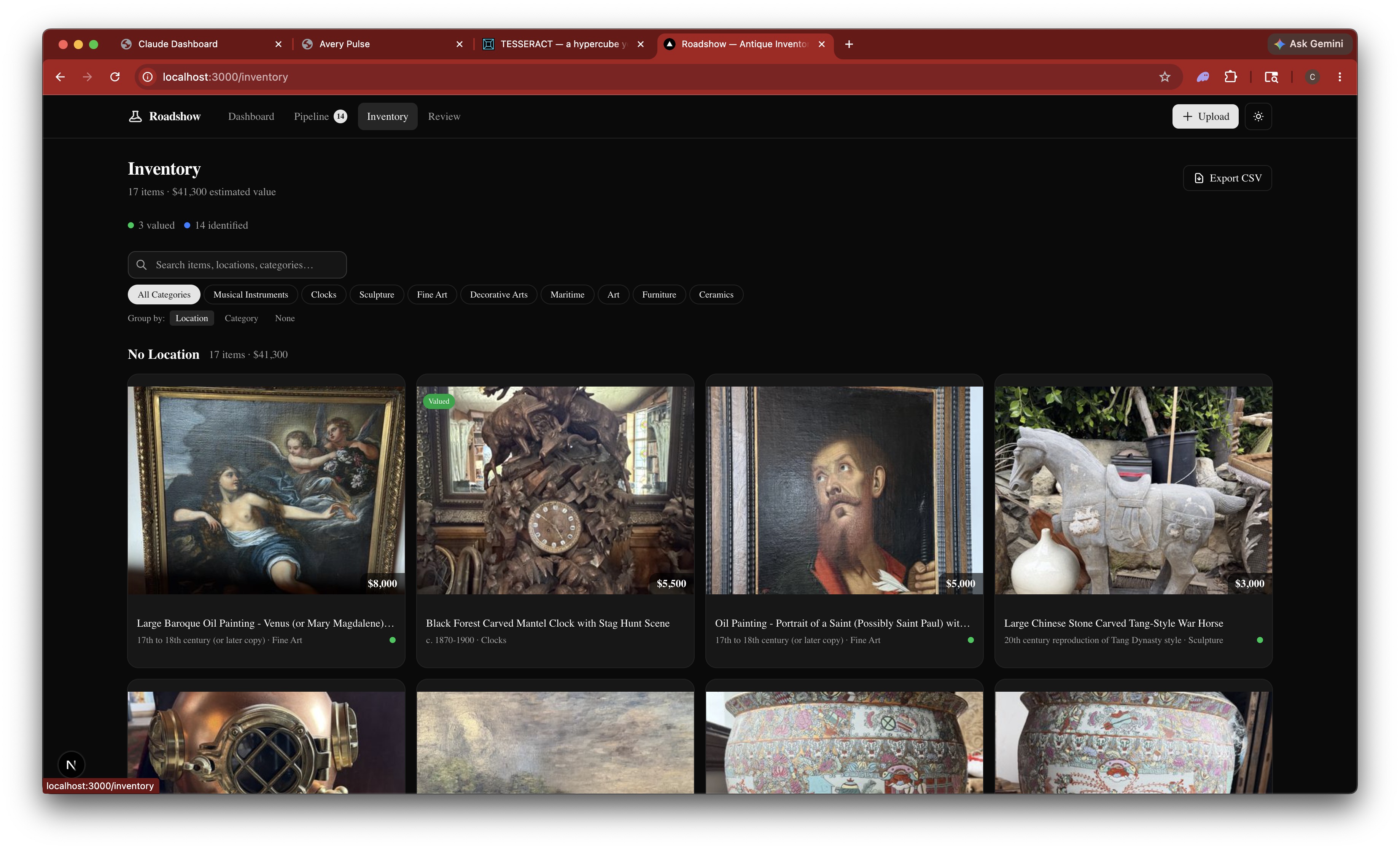
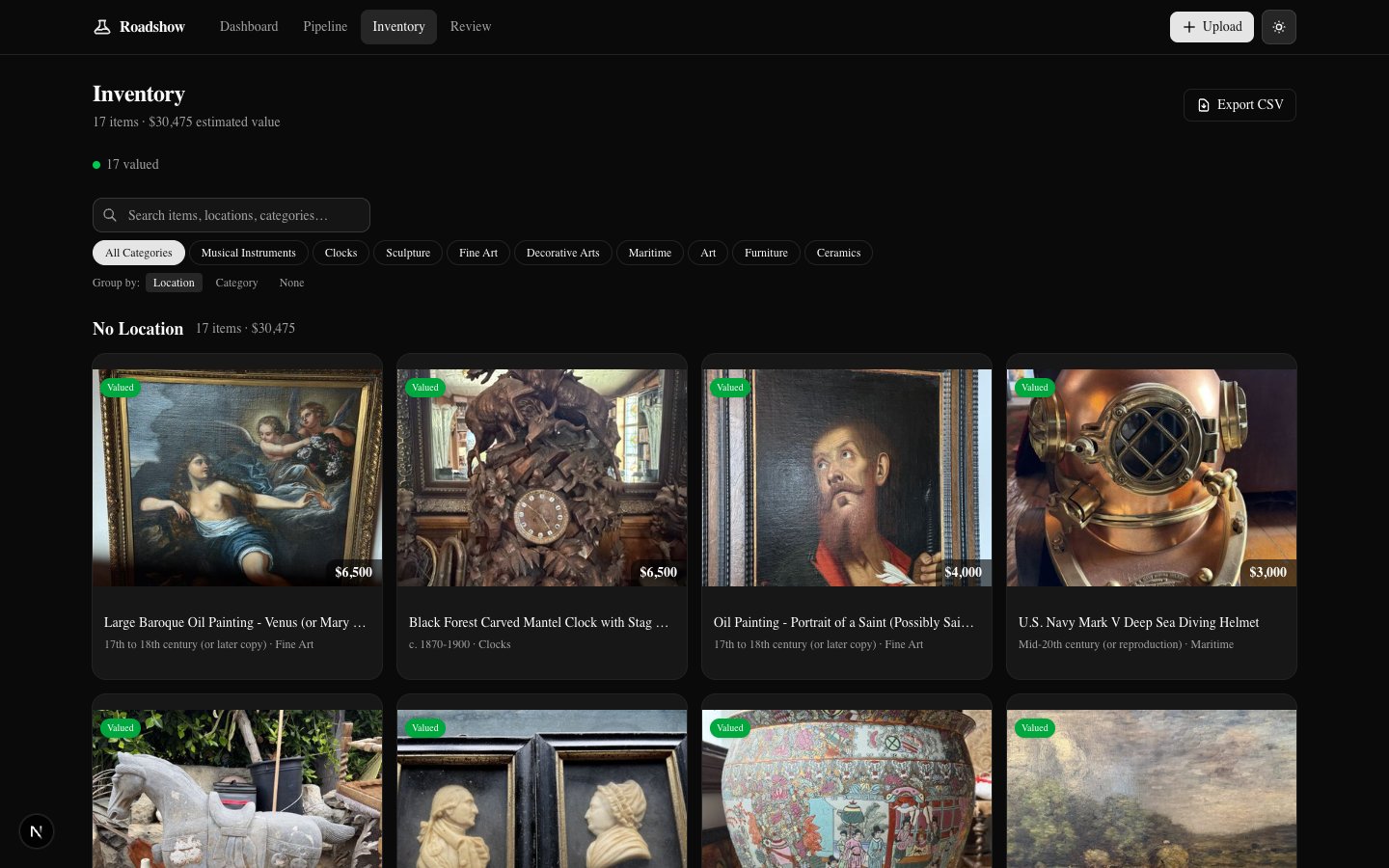
The inventory grid fills in with values, categories, and green "researched" badges as items complete.
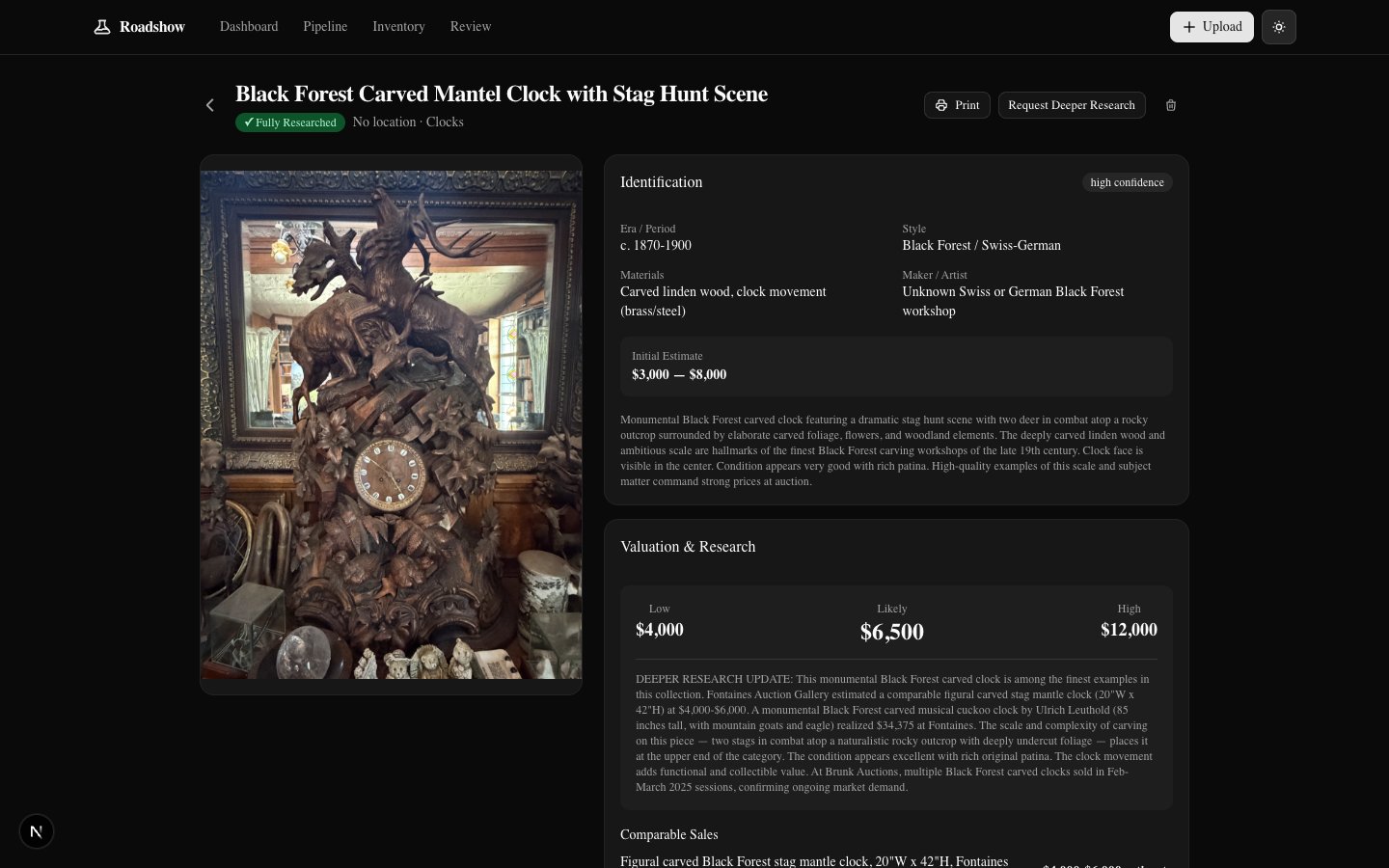
Click into any item for the full picture. This Black Forest clock was valued at $4,000 / $6,500 / $12,000 (low / likely / high) — backed by comparable auction sales from Fontaines, Brunk, and others.
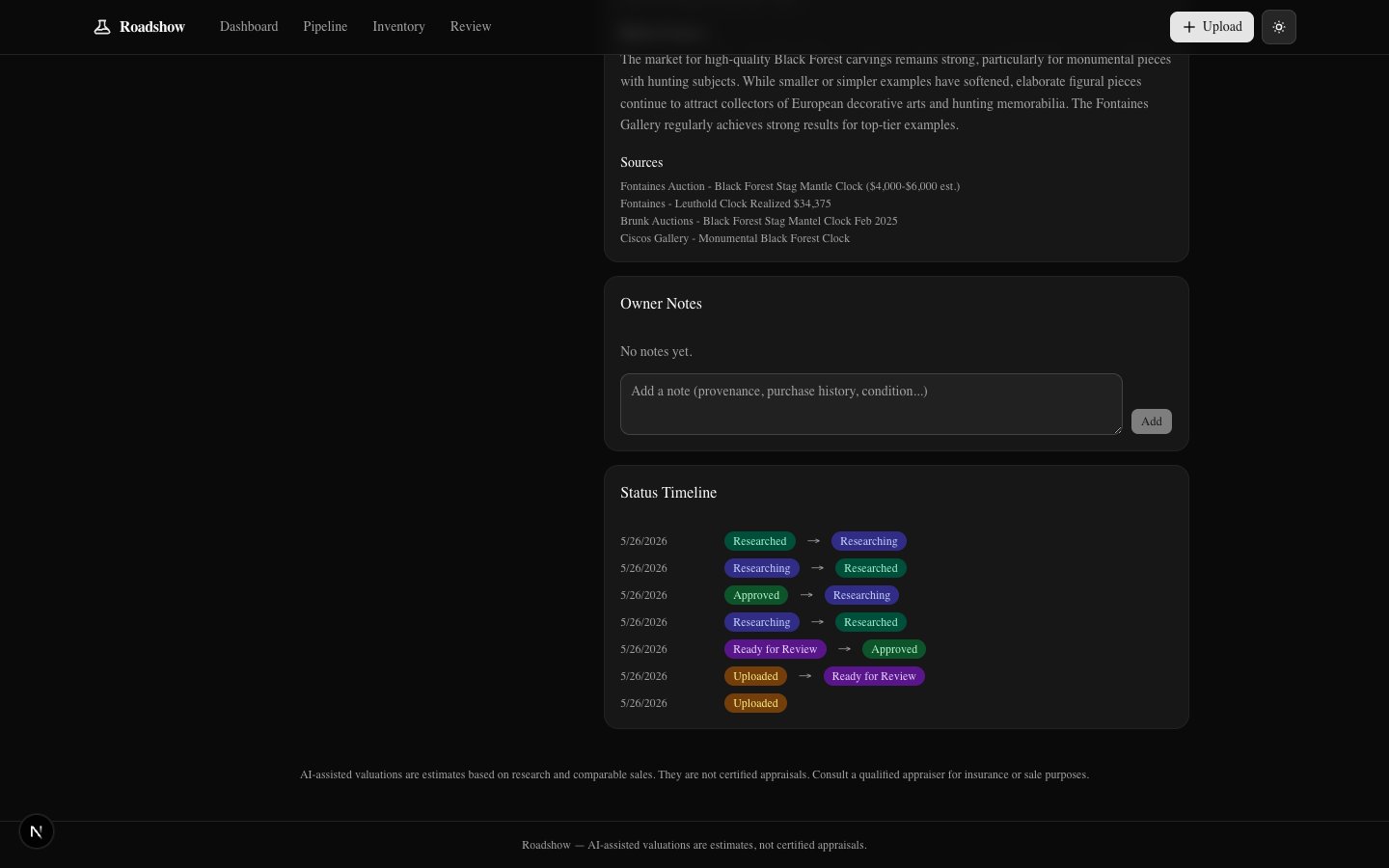
Each item gets cited sources, market context, and a full status timeline showing every step from upload through deep research.
All 17 items valued and categorized. The inventory is a complete, searchable catalog — $30,475 across the full collection.
Final Deep Dive
As a final pass, we ran deep research across all 17 items — cross-referencing additional auction records, refining valuations, and pulling in more comparable sales data. The results feed back into every item's detail page.
The dashboard shows the final state: 17 of 17 fully researched, with the highest-value pieces ranked. The Black Forest clock and Baroque painting each landed at $6,500 likely value.
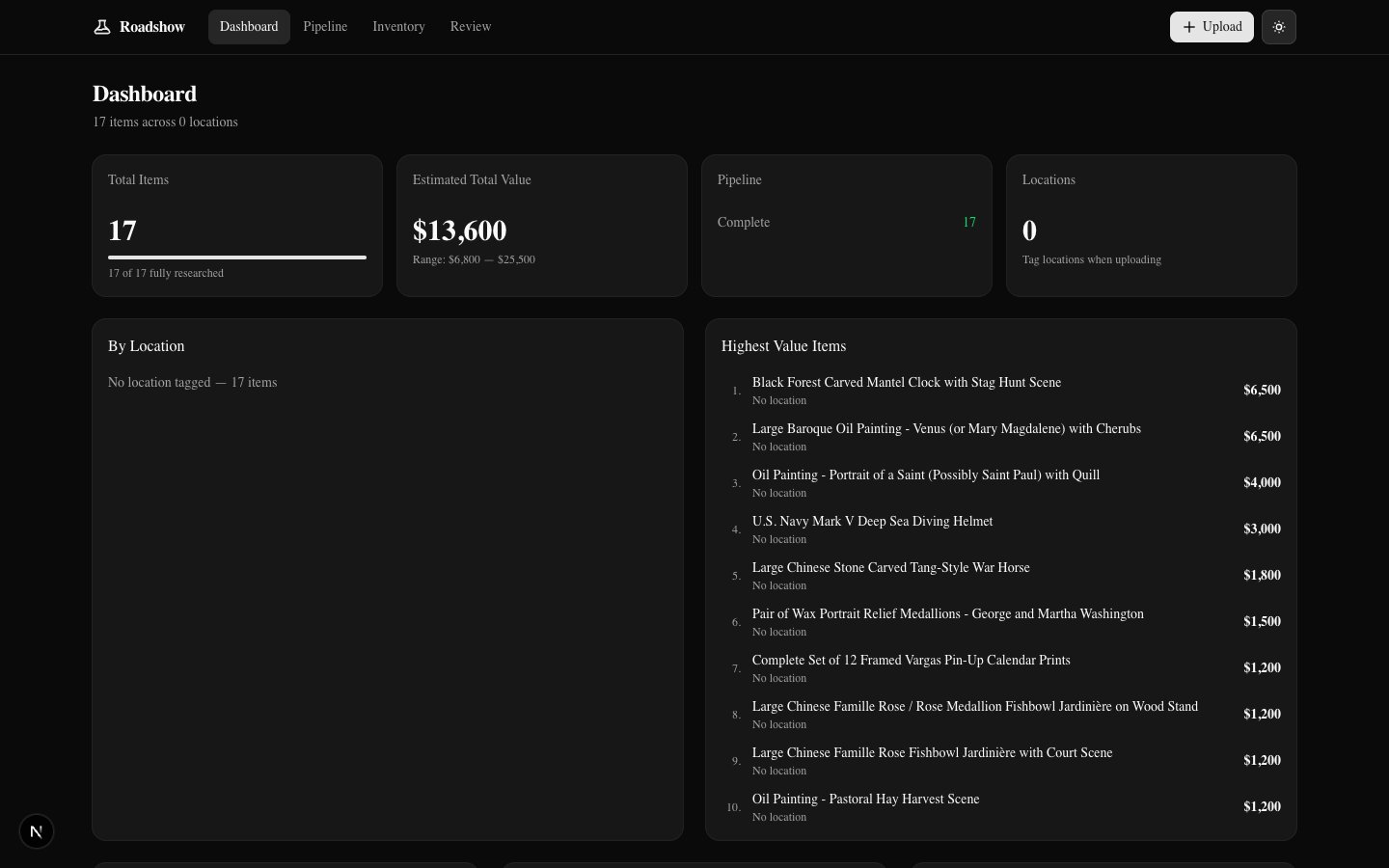
Every step is complete — from upload through deep research.
Export Everything
Every item's data — identification, valuation, research, recommendations — is yours to take with you. Export as a PDF report for any individual item, or download the entire collection as a CSV spreadsheet.
From photos to full appraisal
Upload photos. AI identifies and values everything. You review and approve. Deep research with comparable sales, maker history, and market context. Export individual PDF reports or the full collection as a CSV.
What's Next: Go to Market
The collection is identified, valued, and researched. The next step is getting it in front of buyers.